Build your parts list.
Parts are the consumables and ordering items you procure: a fuel injector, a set of filters, a seal kit. On a goods tender, your parts become the line items providers price against. Add a part once and it's ready to drop into any tender.
Add a part to your library so it's ready to become a tender line item.
An approved vessel organization. Linking a part to a piece of equipment is optional but handy.
About 3 minutes per part.
Reflects app v1.5.9
Open Parts on your dashboard
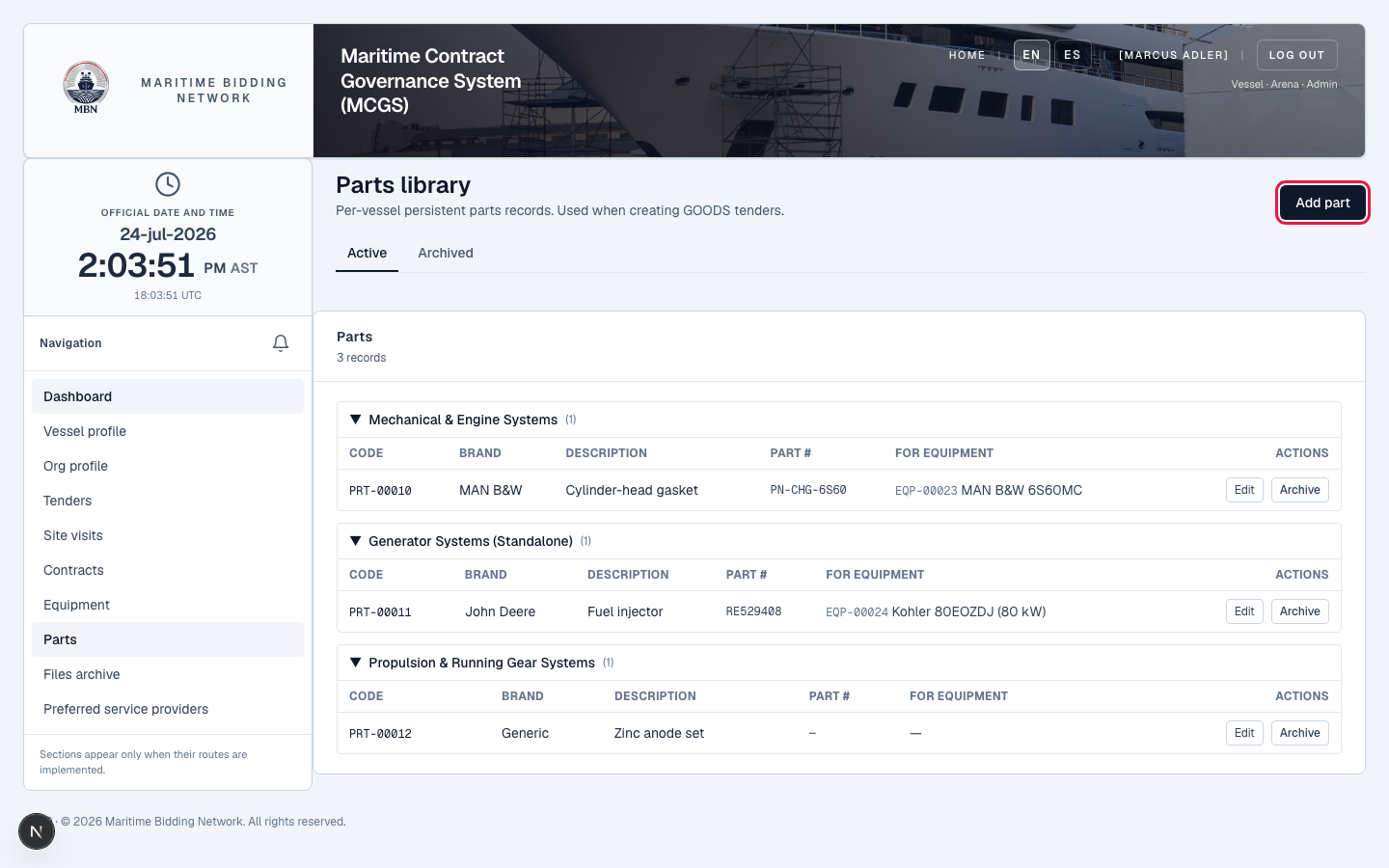
From your dashboard, open the Parts library, it's separate from Equipment, and start a new part. Equipment is the machinery aboard; parts are the consumables and spares you order.
Describe the part
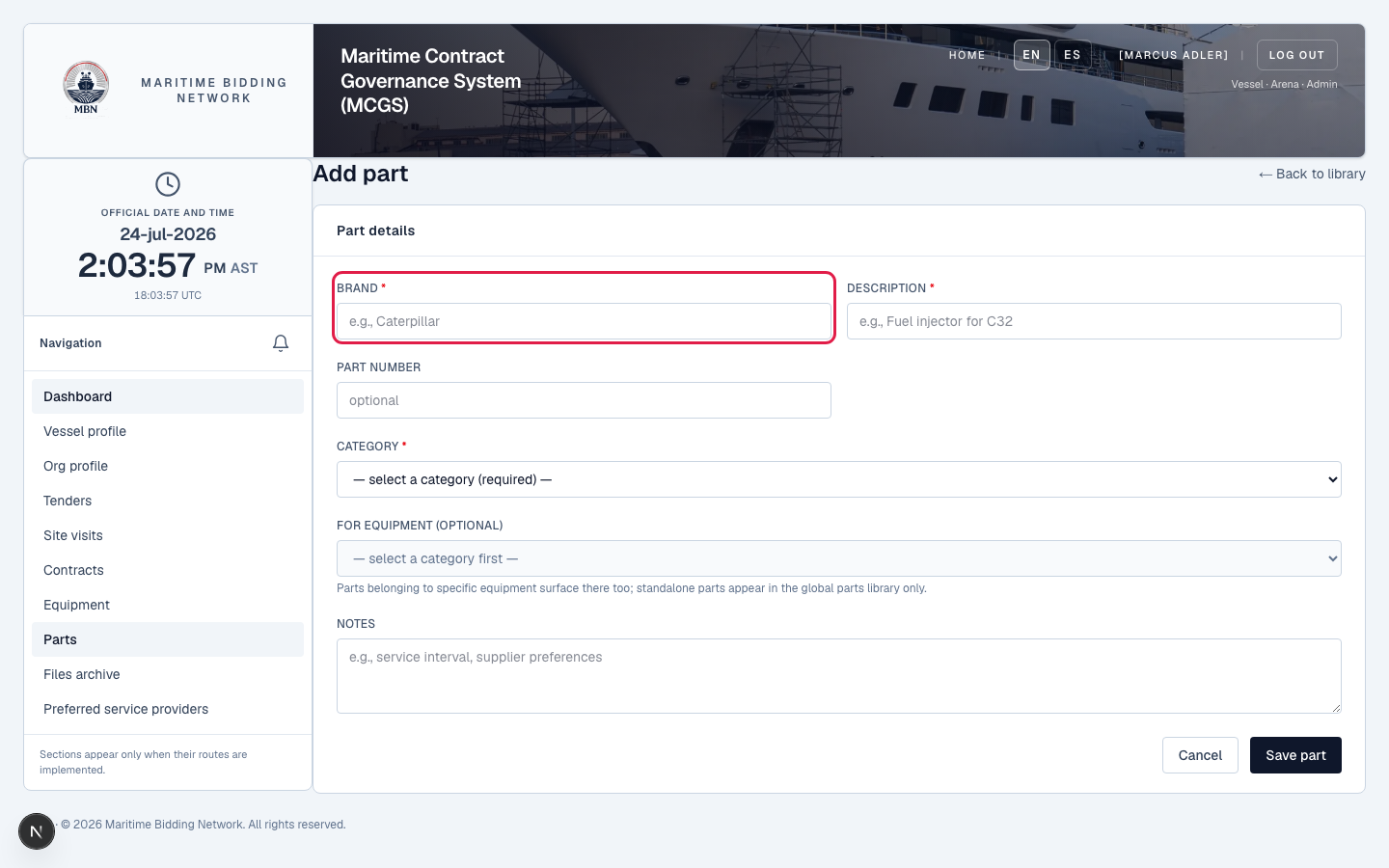
Enter the brand, a clear description, the part number, and a category (required). This text becomes the line item a provider prices, so be specific, 'Cat 7E-6200 fuel injector', not just 'injector'.
Link it to equipment (optional)
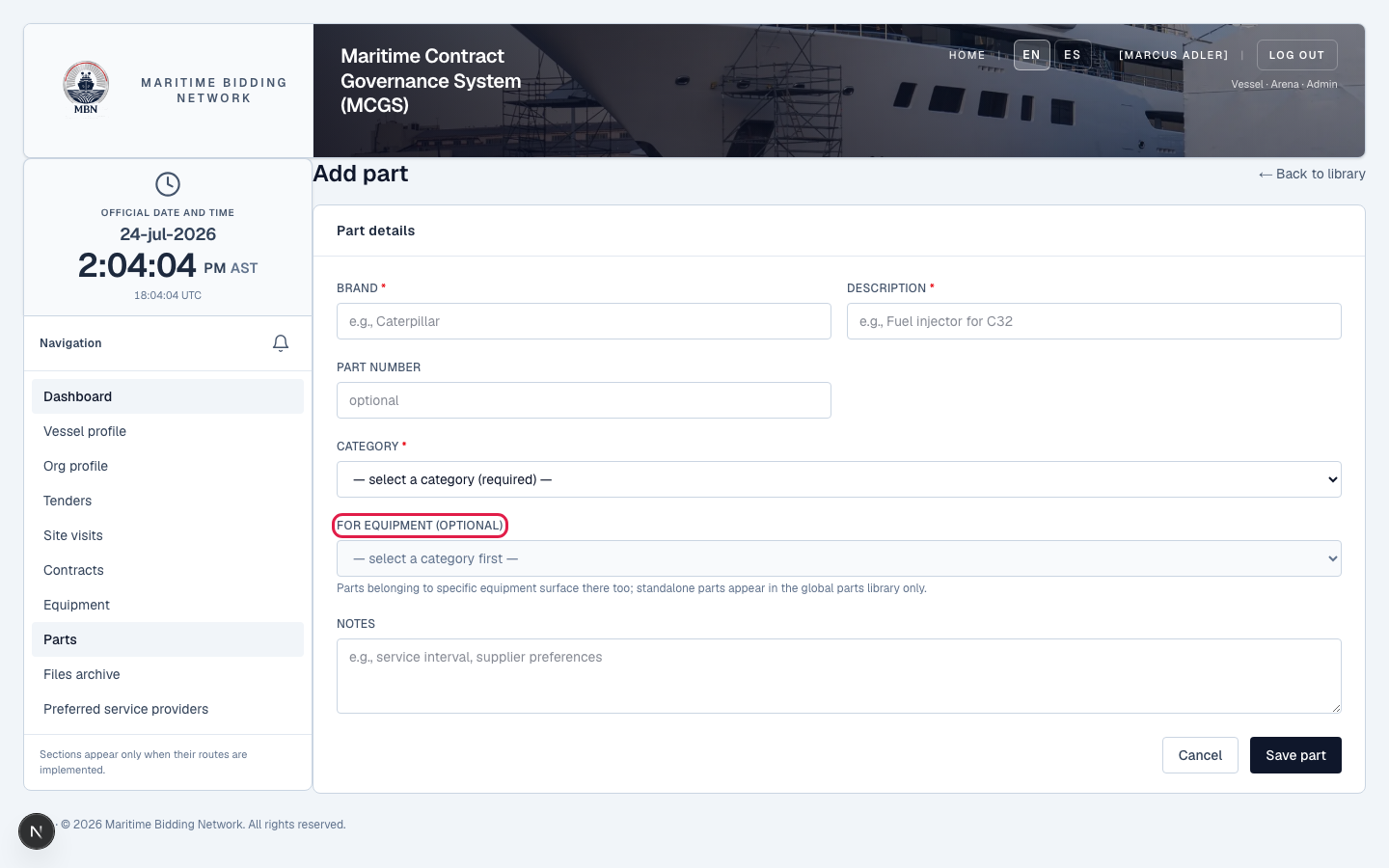
If the part belongs to a piece of equipment aboard, link it, 'fuel injector for the Cat C32'. It keeps your library organized and makes the right parts easy to find when you tender work on that machine.
Save it to your library
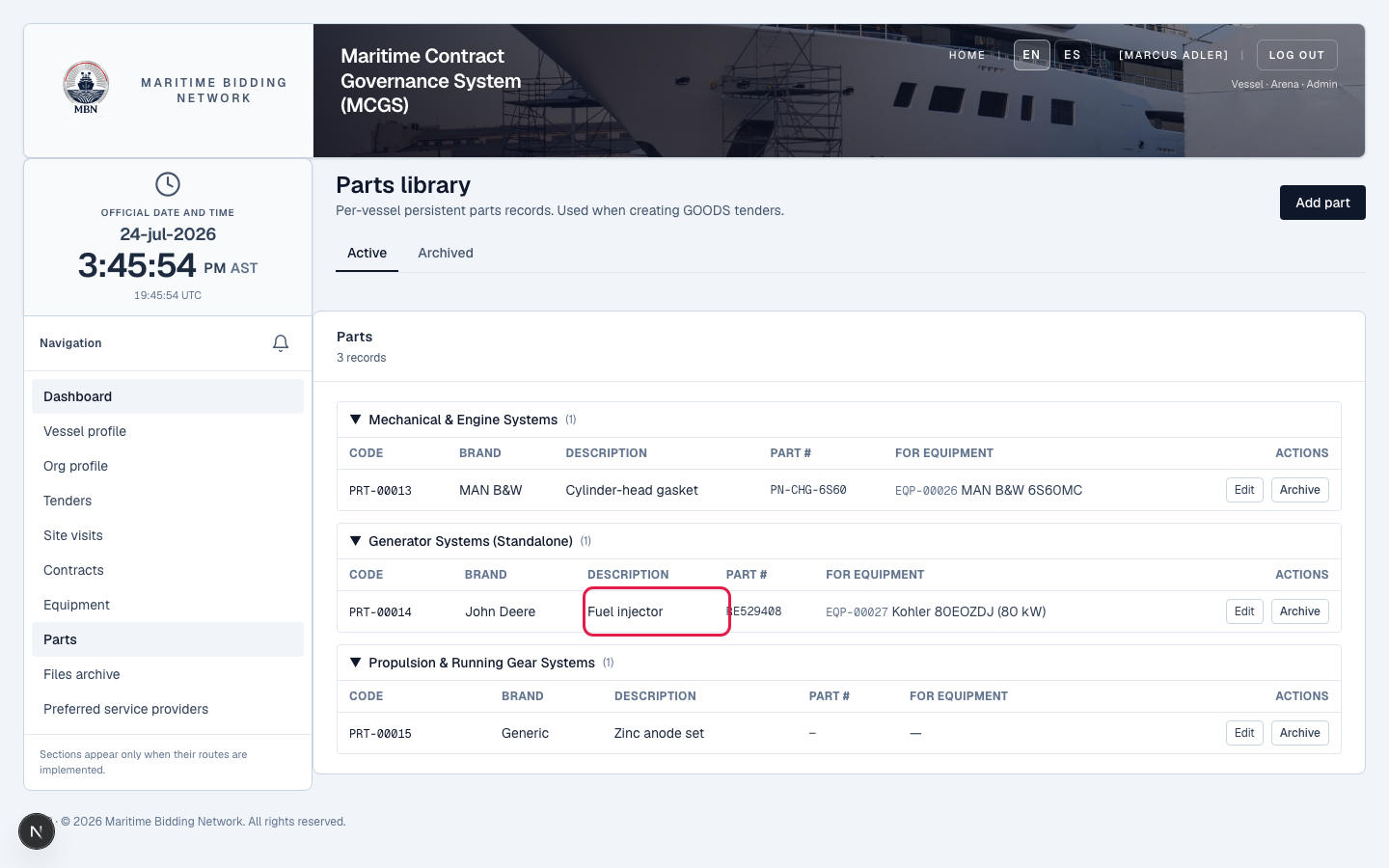
Save the part. It's now reusable: define it once, pull it into any goods tender instead of re-typing it each time.
Use it as a line item on a goods tender
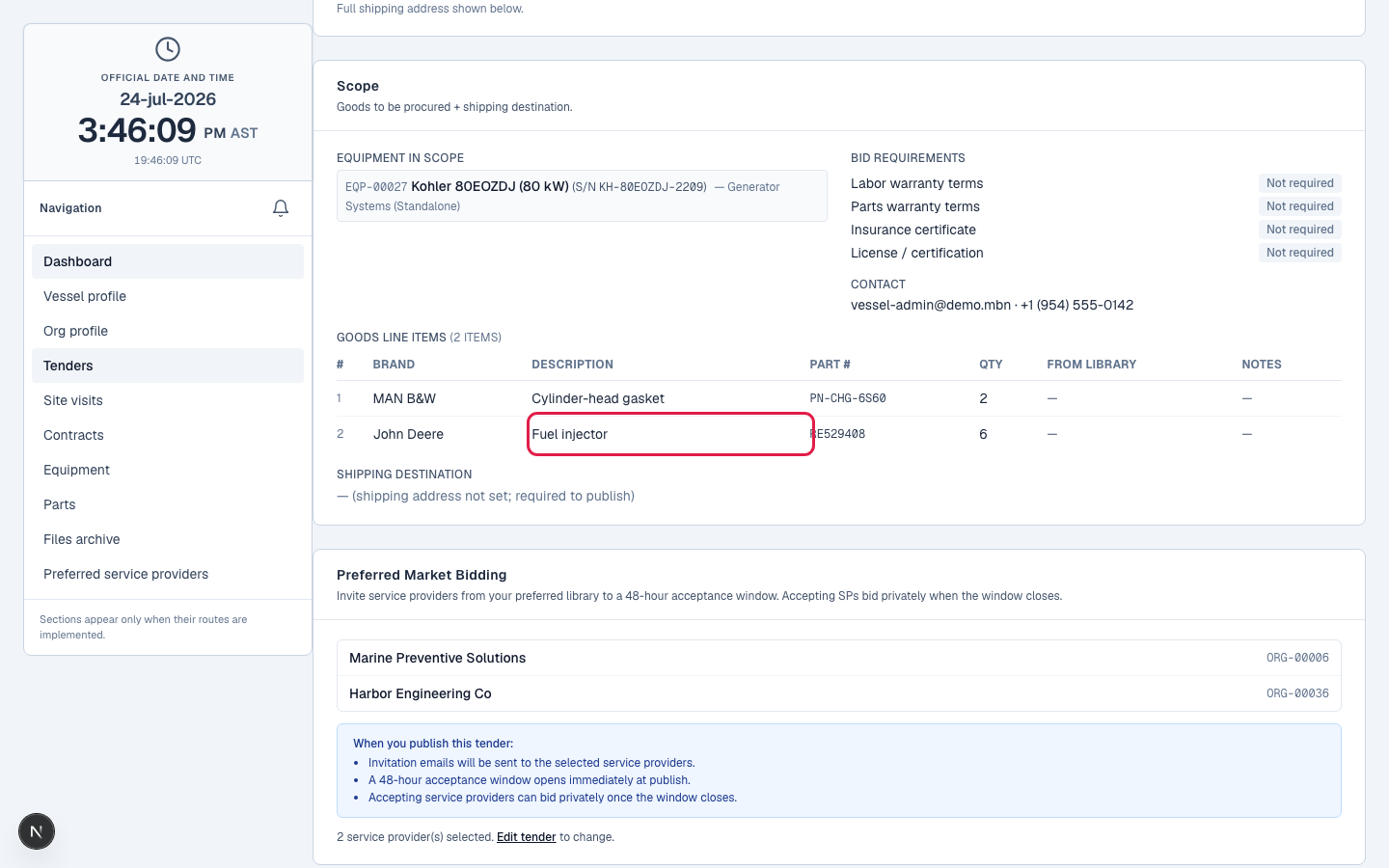
When you create a Goods or Service & Goods tender in 'list the exact parts' mode, add your parts as line items. The brand, description, and part number copy straight in; you set the quantity. Each line item is one thing a provider prices.
What happens next
On a goods tender, your parts are the line items. Equipment tells bidders what they're working on; parts are what you're ordering. With both libraries built, creating a tender is mostly picking from them. Next: create your first tender.
Related lessons
Start your parts library
Log in and open Parts. New to MBN? Request free access, and once an MBN officer approves it, the dashboard is live for you immediately.