Award the tender.
Close bidding, compare the quotes, and award under explicit authority: the moment a tender becomes a contract.
Close bidding and award the winning quote.
A tender with bids received.
About 10 minutes.
Reflects app v1.5.9
Close bidding
When you're ready, or the deadline passes, bidding closes. With two or more quotes you close freely; with exactly one you'll confirm you meant to; with none you can't close at all, you cancel the tender instead.
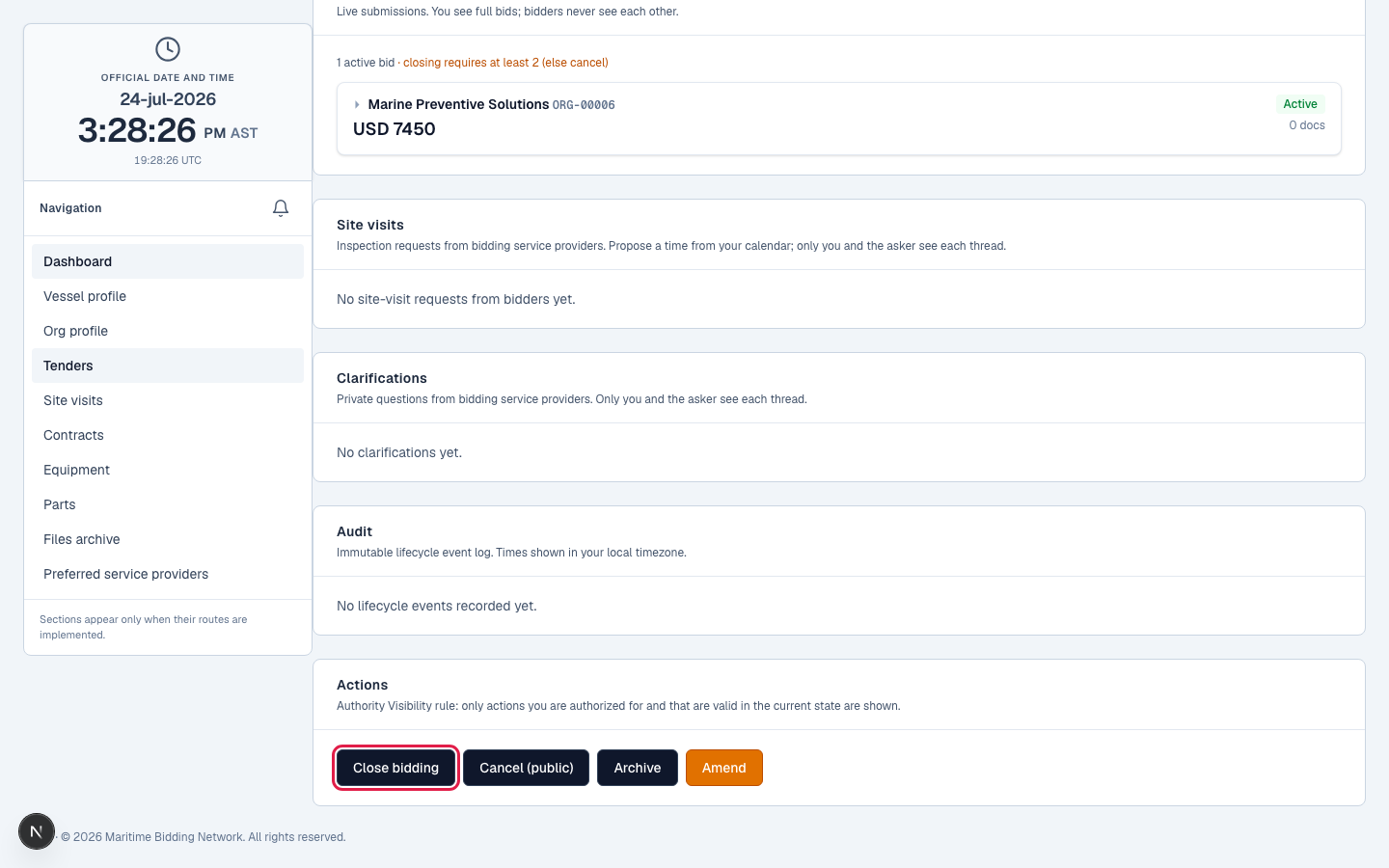
The 7-day award window
Closing starts a 7-day 'Awaiting Award' window to decide. Need longer? Extend it once, by up to 7 more days. Let the window lapse without awarding and the tender auto-cancels, so decide inside it.
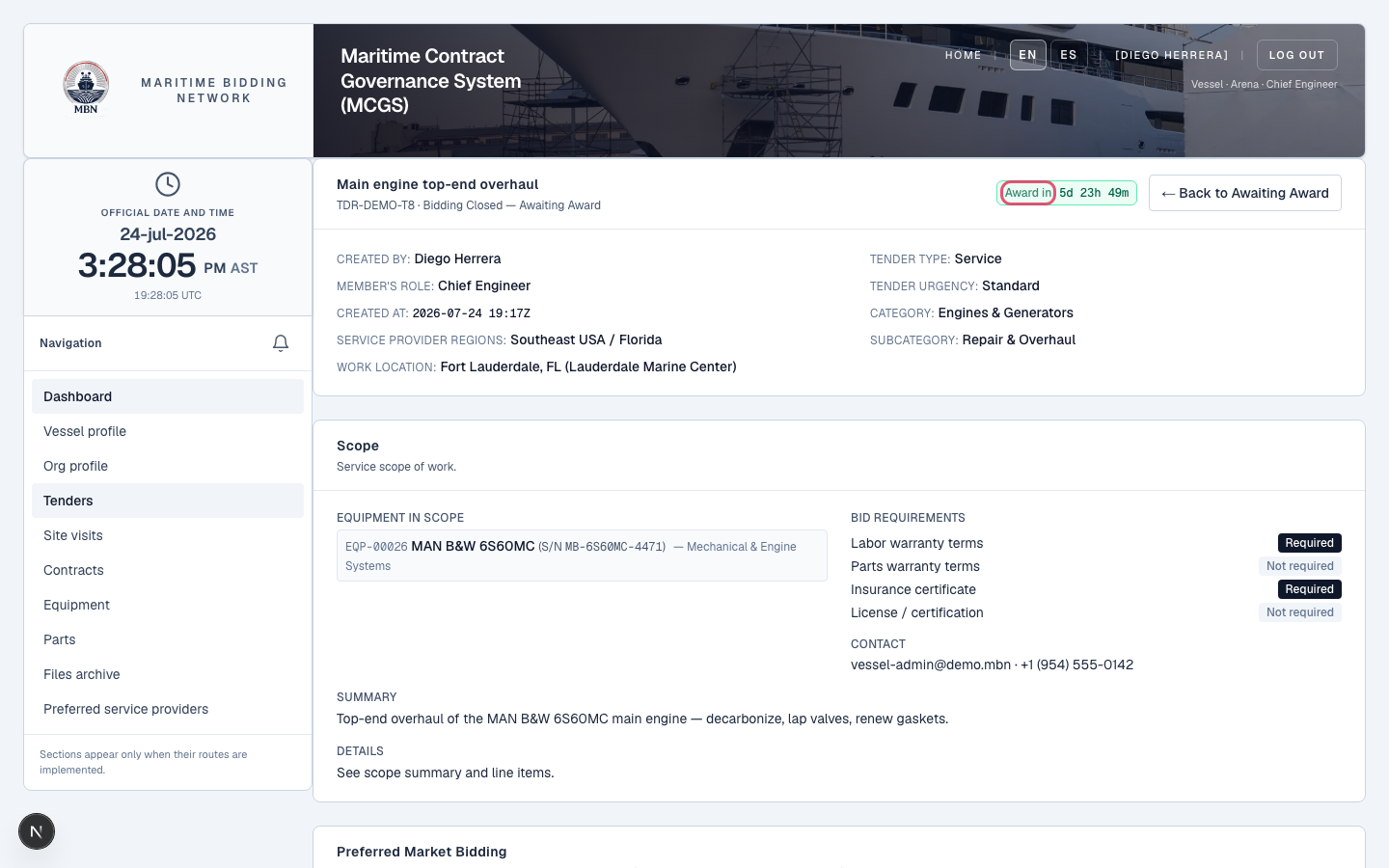
Compare the quotes
Review every quote side by side against the scope you published: registered providers and guests alike, all in one comparison, each with the clarifications that shaped it.
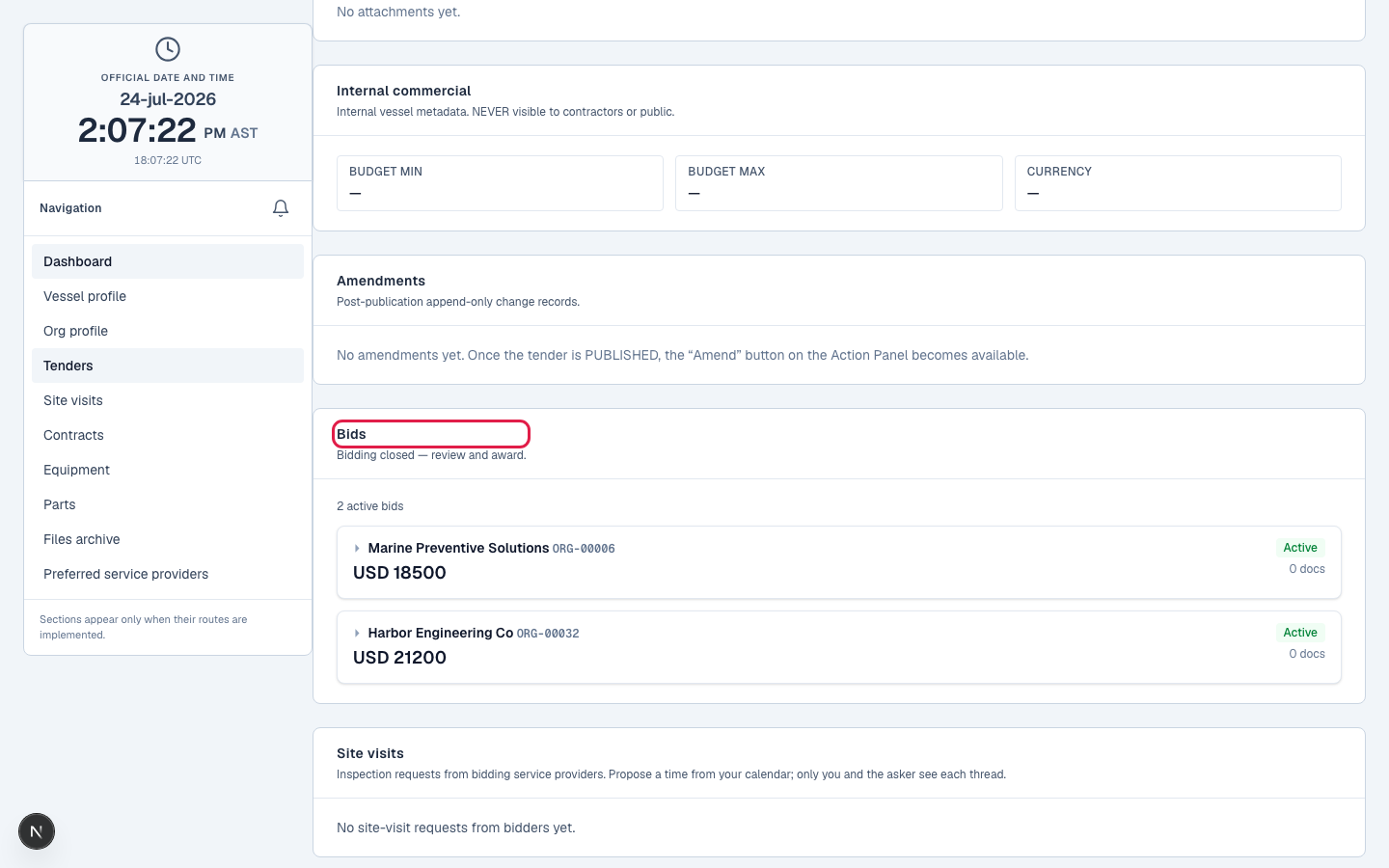
Award under authority
Pick the winning quote and award. The winner is notified and their quote accepted; the others are told they weren't selected: every outcome recorded, attributable to who awarded it and when.
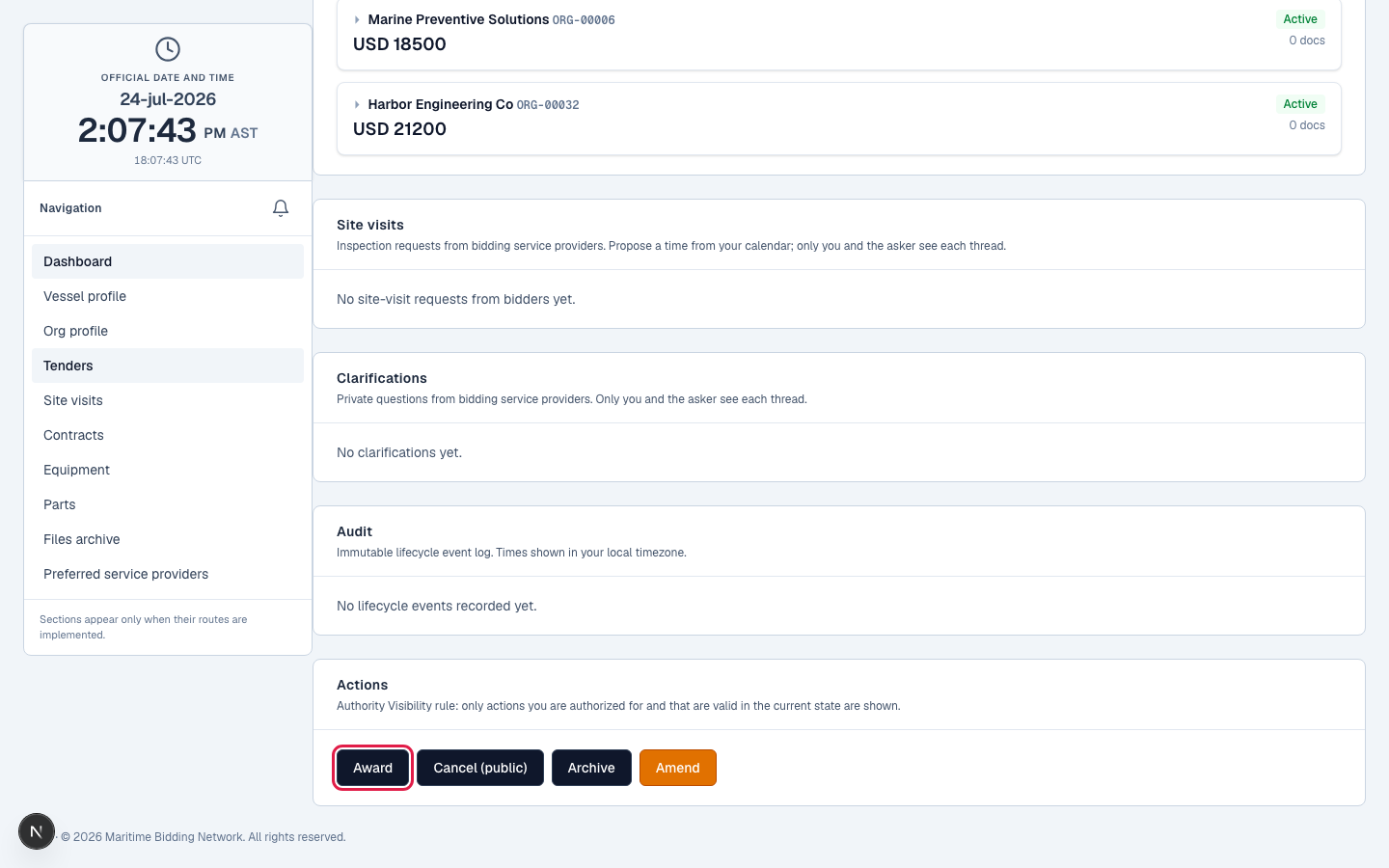
The contract: what you're both signing
The award turns the winning quote into a Maritime Service Agreement, and MBN builds it from everything the provider submitted, nothing left to a side email. It captures the scope of work, every awarded line item, the provider's labour hours and cost, the full cost breakdown (parts, labour, freight, tax, insurance) reconciled to the total, payment terms and milestones, their labour and parts warranty terms, delivery terms, and the attached documents. Both sides sign it with a two-sided e-signature, a vessel Admin or Captain types their legal name, and once both have signed it's acknowledged and a fully-signed PDF is generated. That's exactly what you're buying, in one governed document.
The Maritime Service Agreement: scope, line items, labour, warranty, and payment terms, ready to sign.
What happens next
That's the tendering cycle end to end: from an empty dashboard to an awarded contract. Post-award execution, workrooms, change orders, warranty, arrives with v2 in January 2027.
Related lessons
Turn a tender into a contract
Log in to close and award your tenders. New to MBN? Request free access first.