Manage a live tender.
Once a tender is published it's frozen, you don't edit it directly. But you can still steer it through amendments, deadline extensions, and scheduling controls.
Change or steer a tender after it's published, on the record.
A published (or scheduled) tender.
About 5 minutes.
Reflects app v1.5.9
Published means frozen, you amend
A live tender's original terms don't change underneath bidders. Instead you file amendments: recorded, append-only entries. Every amendment notifies the providers who've bid so they can re-check their quote.
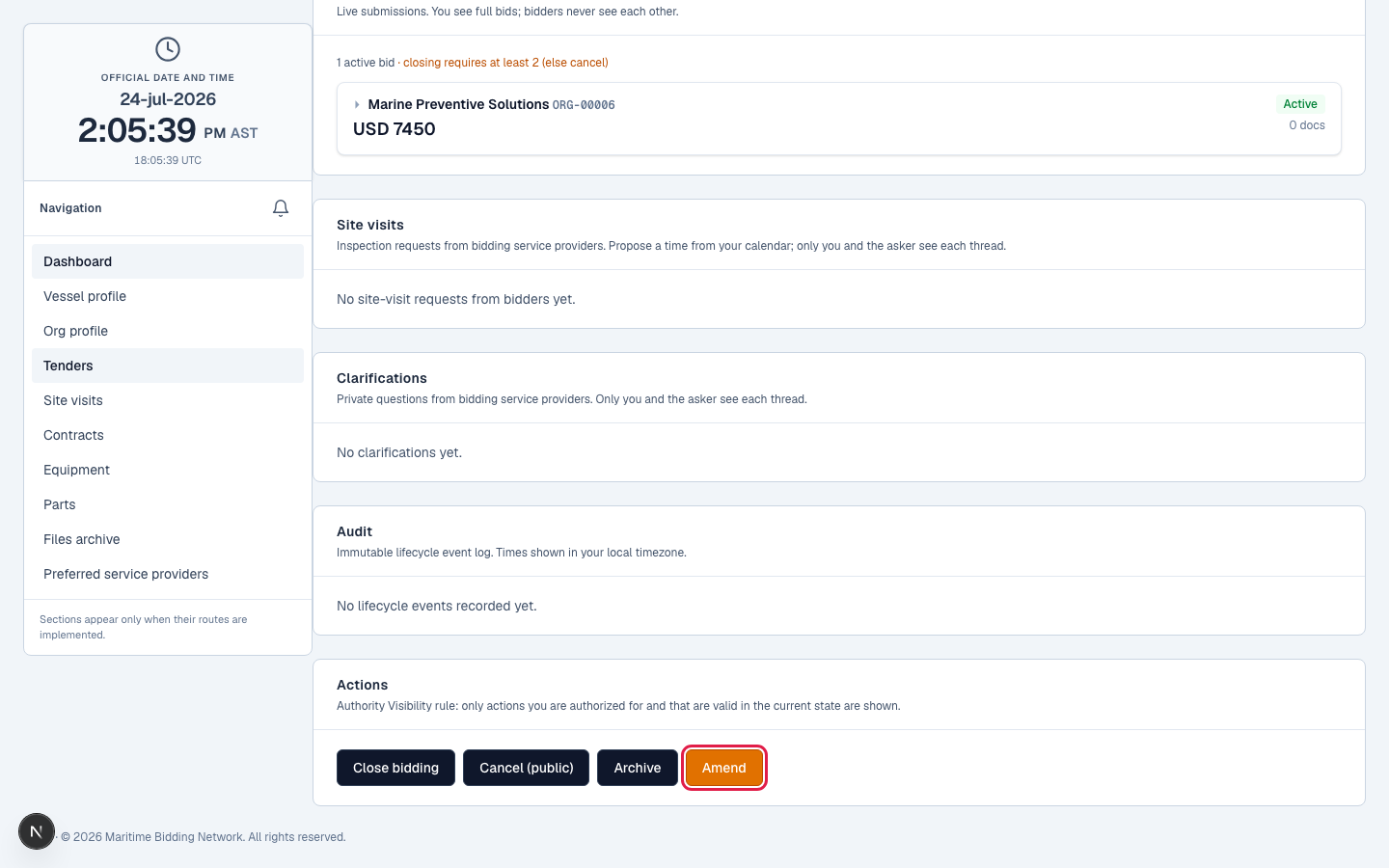
What you can amend
Add a scope clarification, change the work location or the estimated start date, add attachments, or add and modify line items. Which options are available depends on the tender's state: for example, once bidding is closed the only amendment left is extending the award decision.
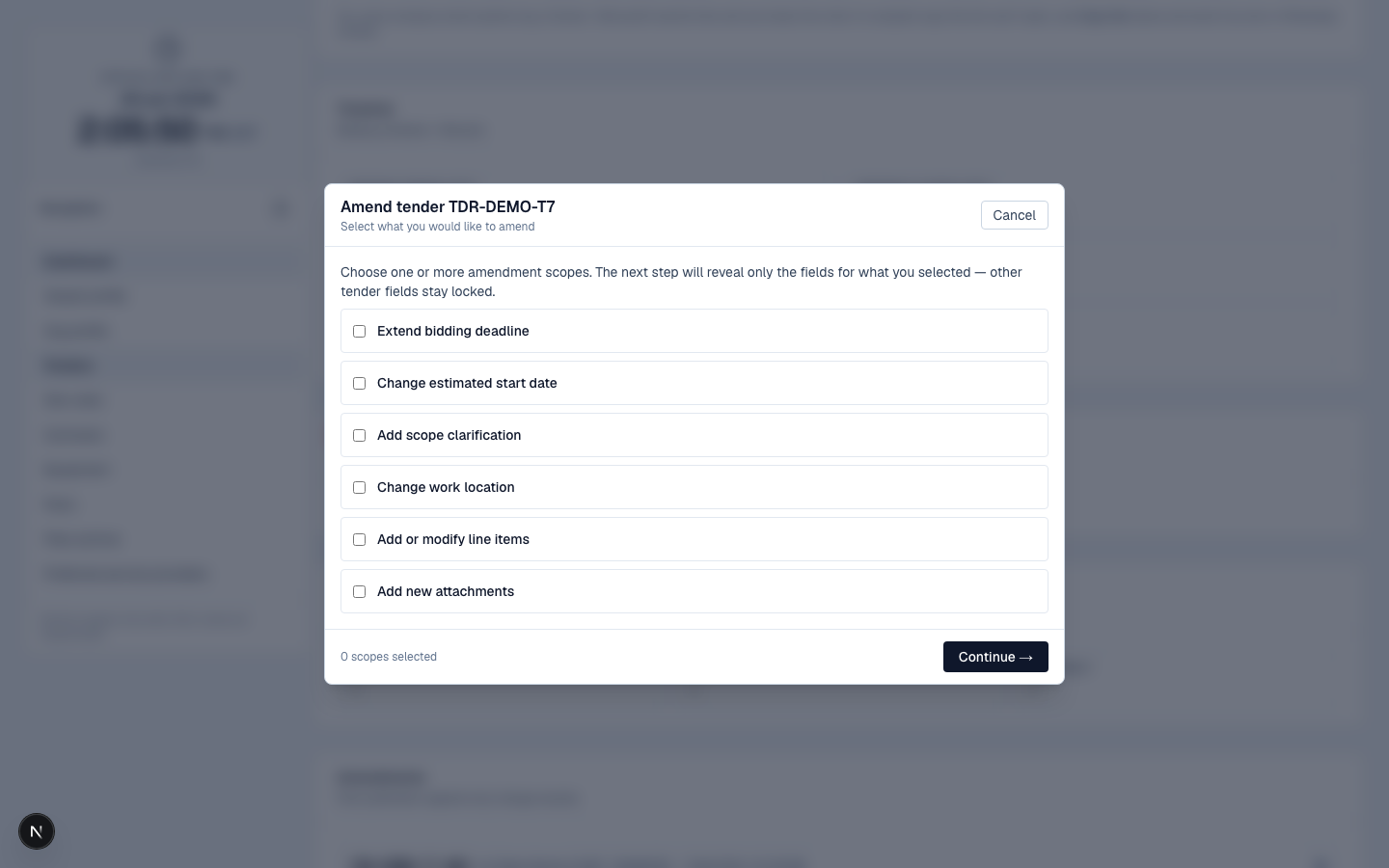
Extend the bidding deadline, once
Need more time for bids? Extend the deadline: up to 7 more days on a Standard tender, 15 on Shipyard Preparation. It's a one-time move, so use it deliberately.
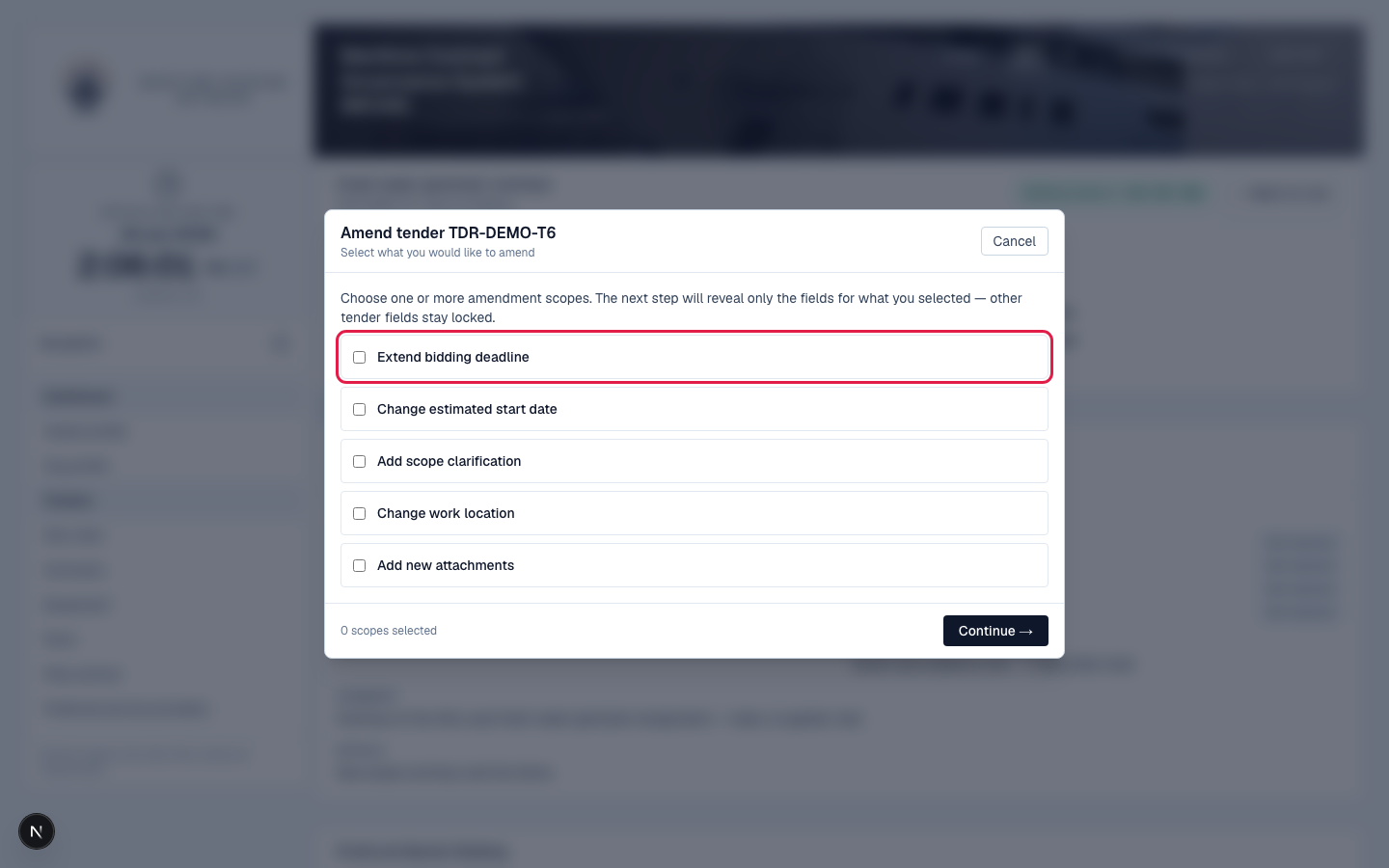
Schedule, open early, or hold
A tender set to publish on a future date sits in Scheduled. You can open bidding now, it opens immediately and keeps the close date you set, or cancel the scheduled publication to send it back to draft.
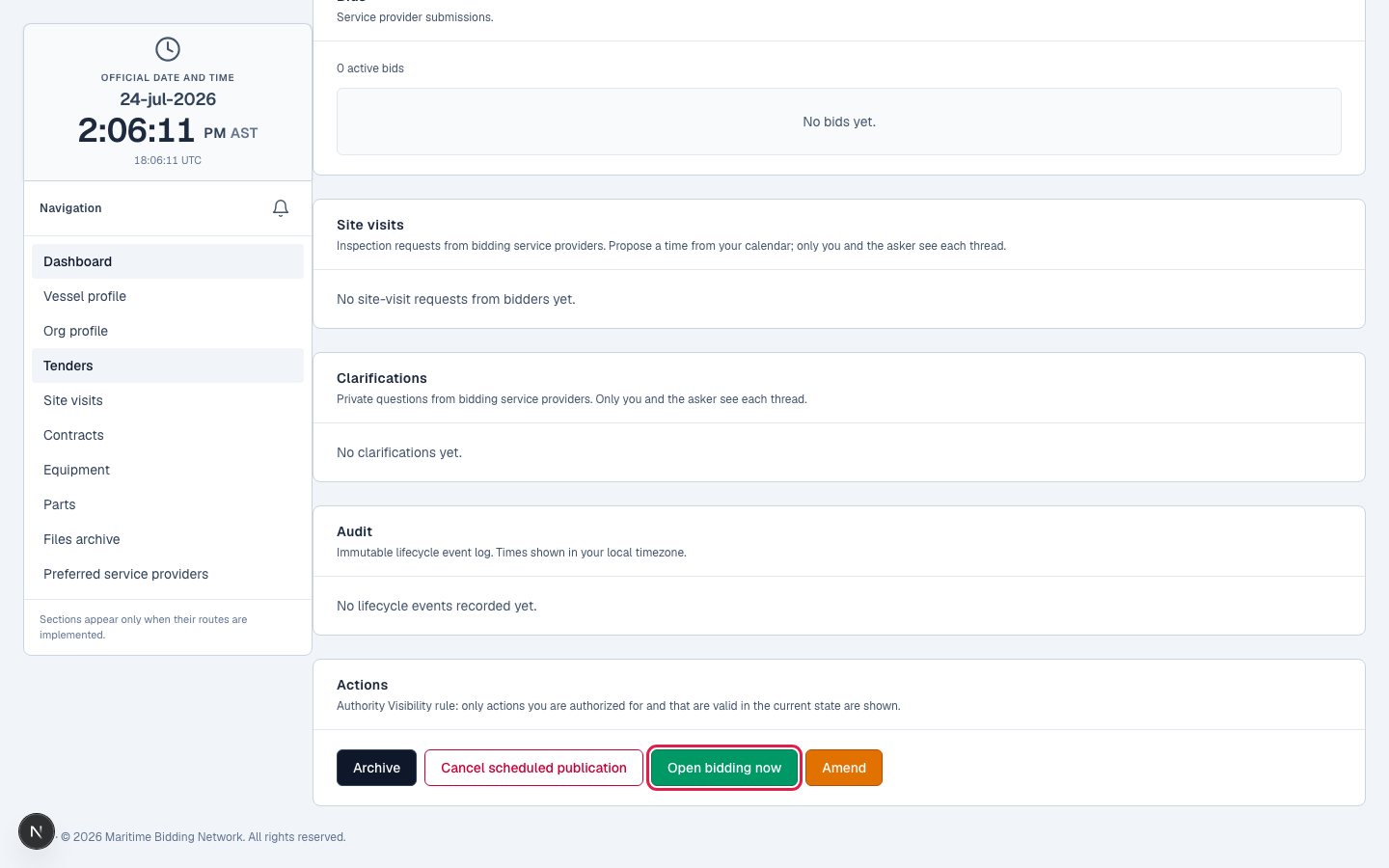
Cancel if you have to
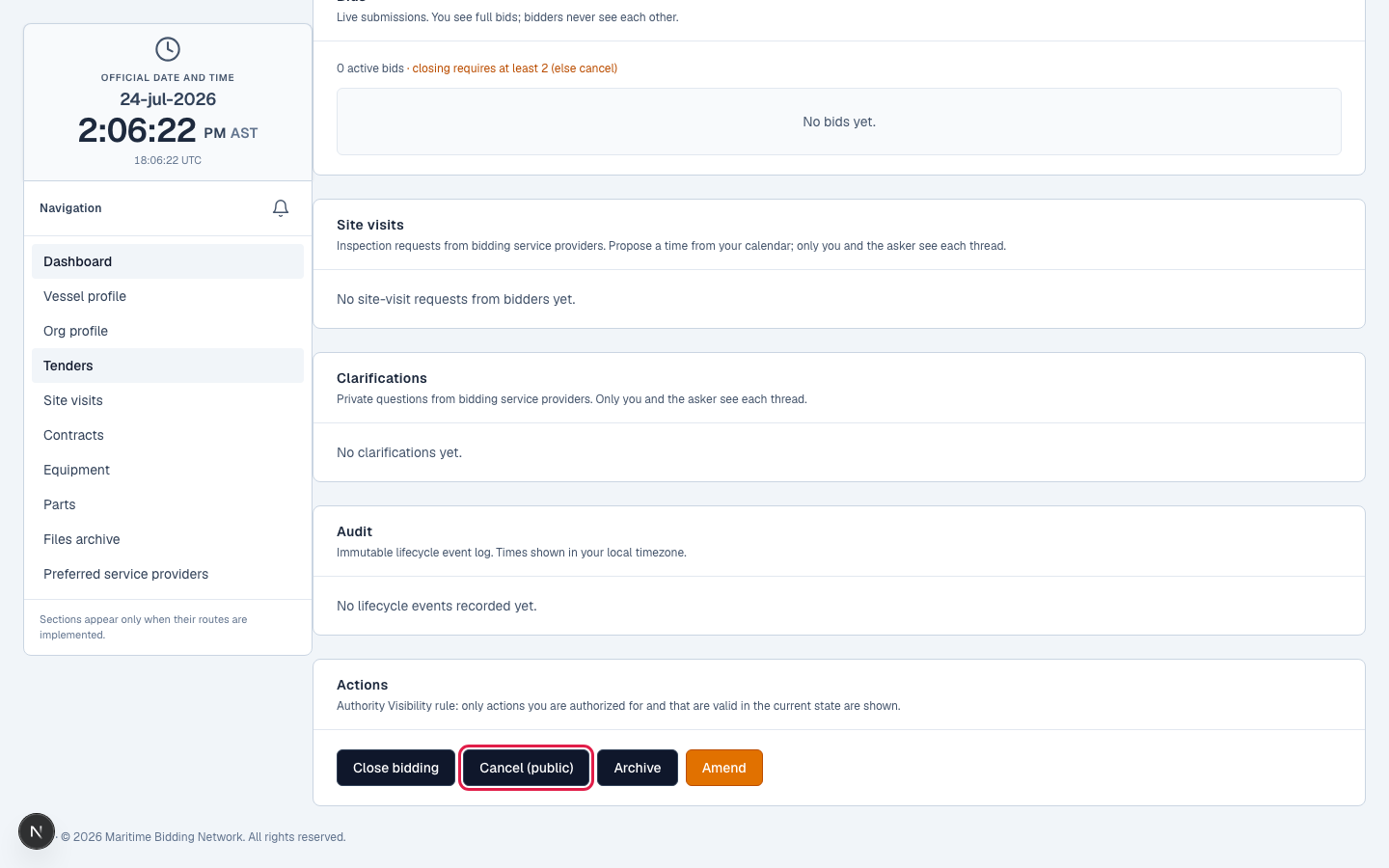
Cancel (public) pulls a live tender with a reason bidders can see. Cancel (internal) quietly drops a draft nobody ever saw. And a tender that received zero bids can't be closed, you cancel it instead.
What happens next
While a tender's live, providers will ask questions and may want to visit the vessel. Handling those is the next lesson.
Related lessons
Stay in control of a live tender
Log in to manage your tenders. New to MBN? Request free access first.