Invite guests to bid: free.
Bring any company into a single tender with an emailed link, no account, no cost to them. Their quote lands in your comparison right beside your registered bidders.
Invite an outside company to quote one tender via a private link.
A tender (draft or live) and the company's email address.
About 3 minutes.
Reflects app v1.5.9
Open 'Invite companies to bid'
On the tender's page, find the 'Invite companies to bid' panel. This is different from Preferred Market, it's for companies that aren't registered on MBN at all.
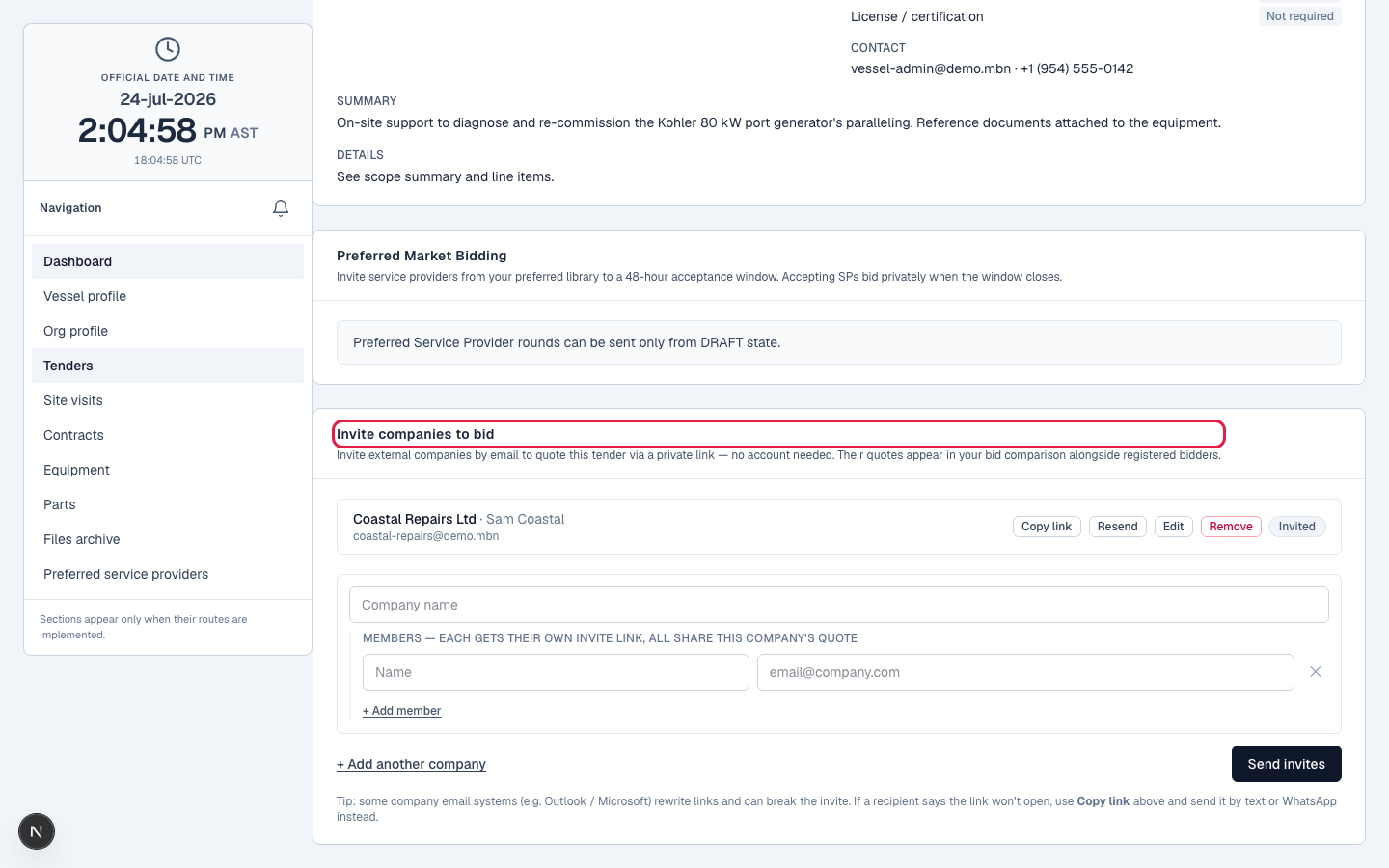
Add the company and its contacts
Enter the company name and one or more contacts: a name is optional, an email is required. A company with several contacts shares one quote; each contact gets their own private link.
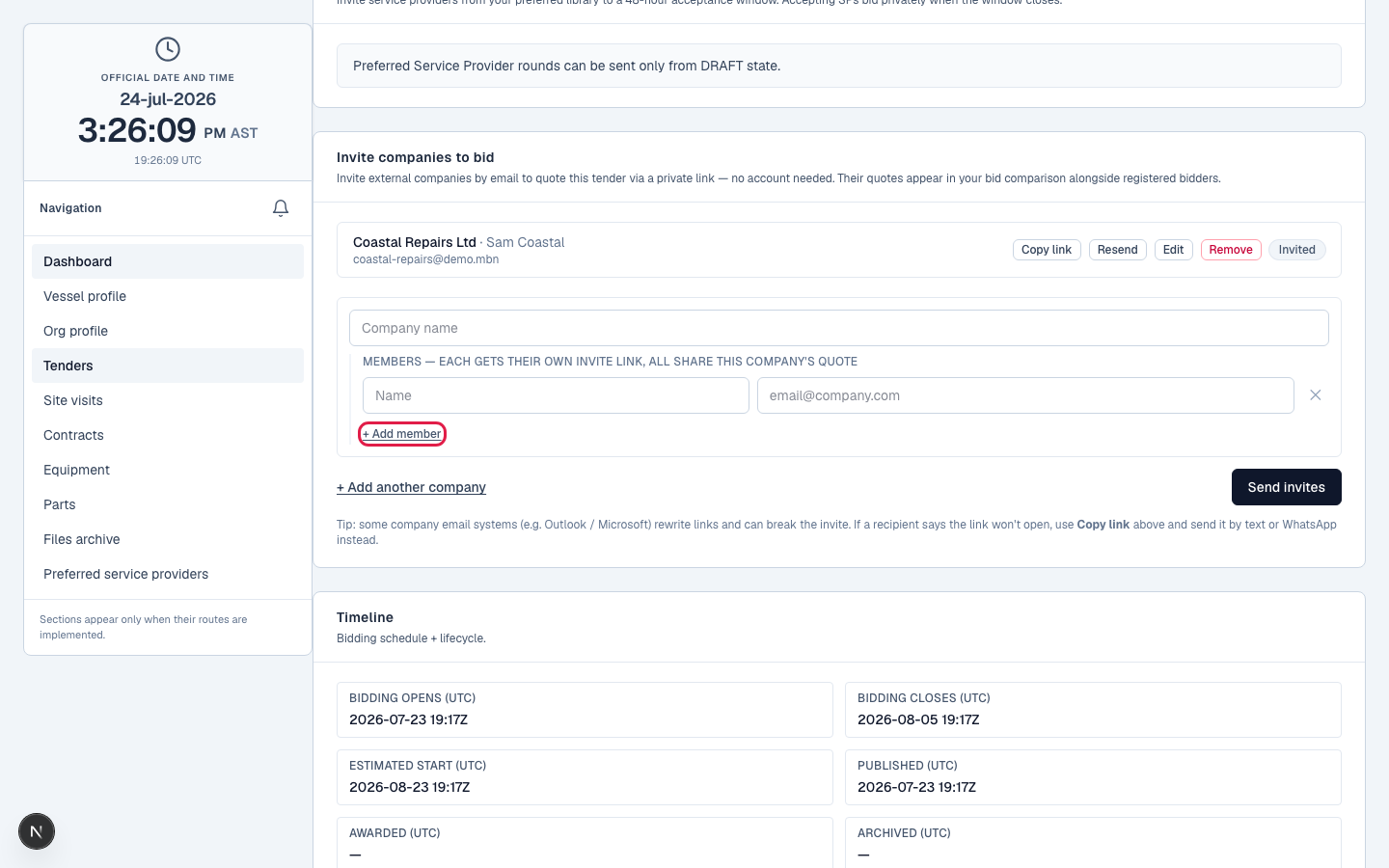
Draft queues it; publish sends it
Add guests while the tender is still a draft and they show as 'Queued': stored, not emailed. The instant you publish, the invitations send automatically. Add a guest to an already-live tender and it emails right away.
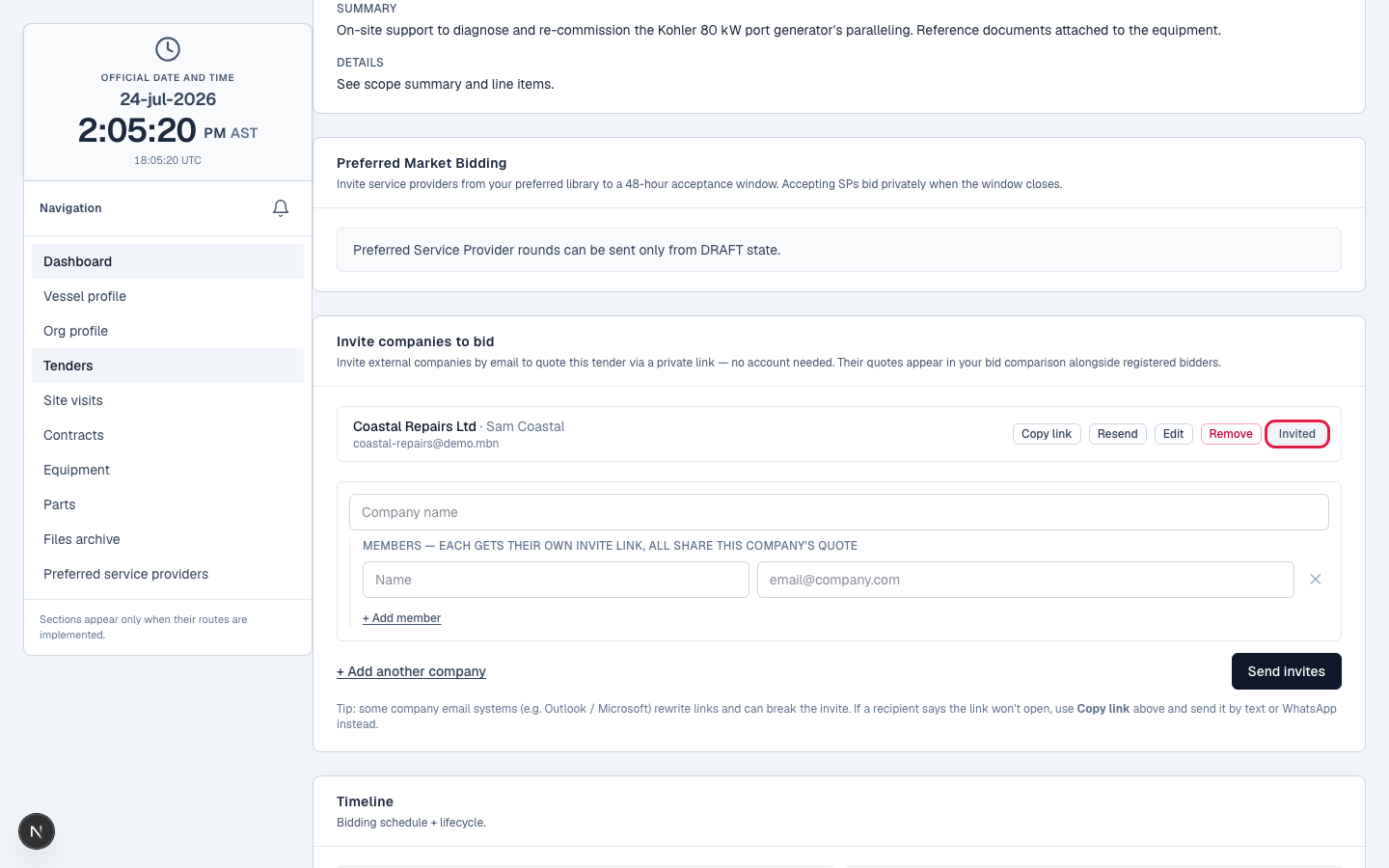
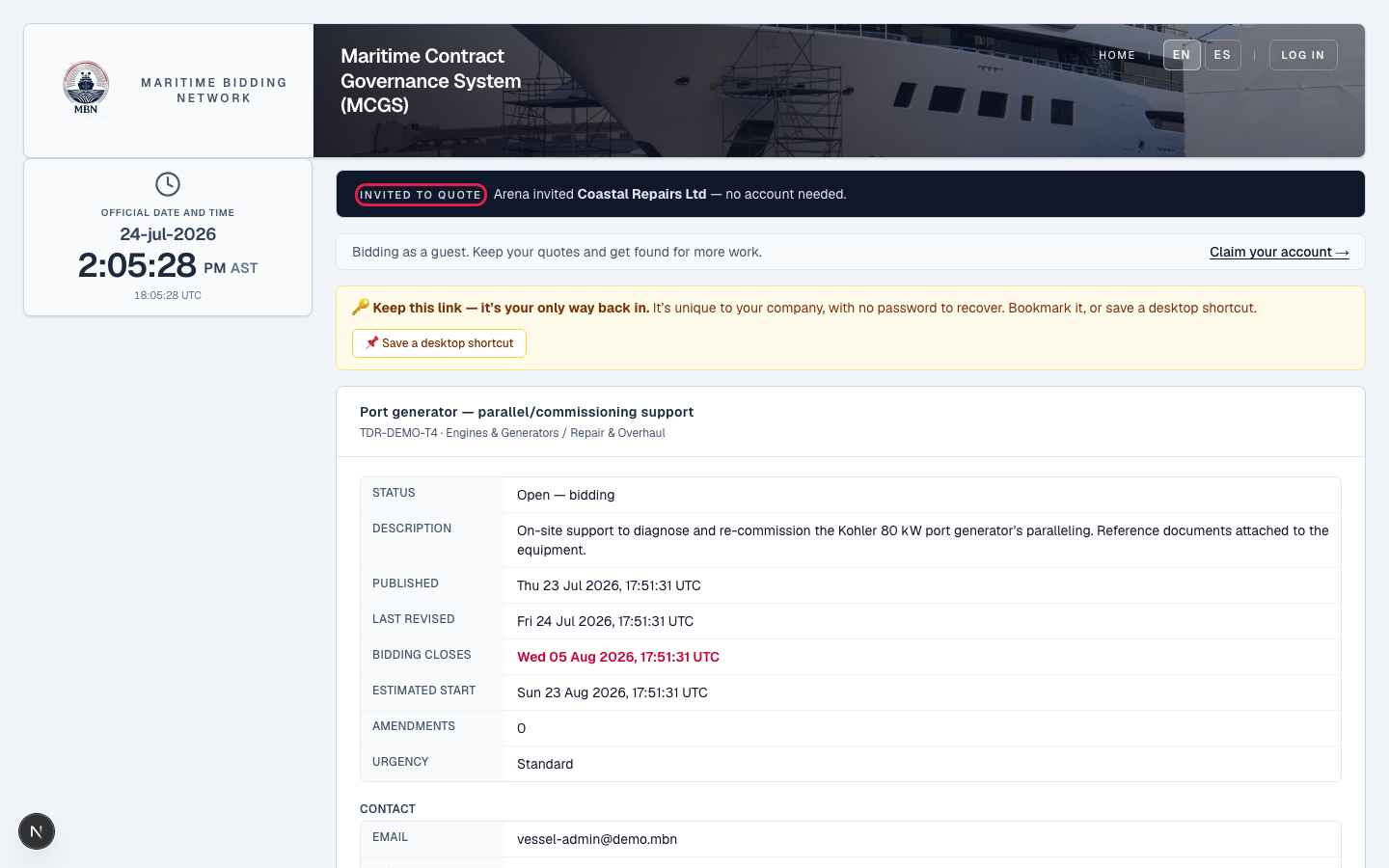
How the magic link works
Each company gets a unique, reusable link, no password, no account. It works only while the tender is live and stops when bidding closes, and it's scoped to that one tender: the guest can view it, quote, ask clarifications, and request a site visit, nothing else. They never see your budget or other bids. Tip: if a company's email system mangles the link, copy it and send it by text or WhatsApp.
Their quote joins the comparison
A guest's quote appears alongside your registered bidders. If you need to, you can remove a company from a live tender, they're notified with your reason and any quote they submitted is withdrawn.
A guest company's quote shown next to registered bids in the comparison.
What happens next
A guest can later claim a free account to keep their quotes and get found for more work, so a one-off invite can become a lasting provider. Next: managing your tender once it's live.
Related lessons
Bring anyone to the table
Log in and invite companies from any tender's page. New to MBN? Request free access first.