Find tenders to bid on.
MBN brings the work to you: matched to what you do and where you do it. Here are the three ways tenders reach you, and how to make sure you never miss one.
Discover the tenders you're eligible to quote on.
An approved service-provider organization with engineering categories and regions set.
About 5 minutes.
Reflects app v1.5.9
Get matched by email
When a vessel publishes a tender that matches your engineering categories AND your service regions, MBN emails you, 'Tender open for bidding'. (Your org's Admin receives the notification.) Your categories and regions are your entire pipeline, so keep them accurate.
A 'Tender open for bidding' email notification to a matched service provider.
Browse the public marketplace
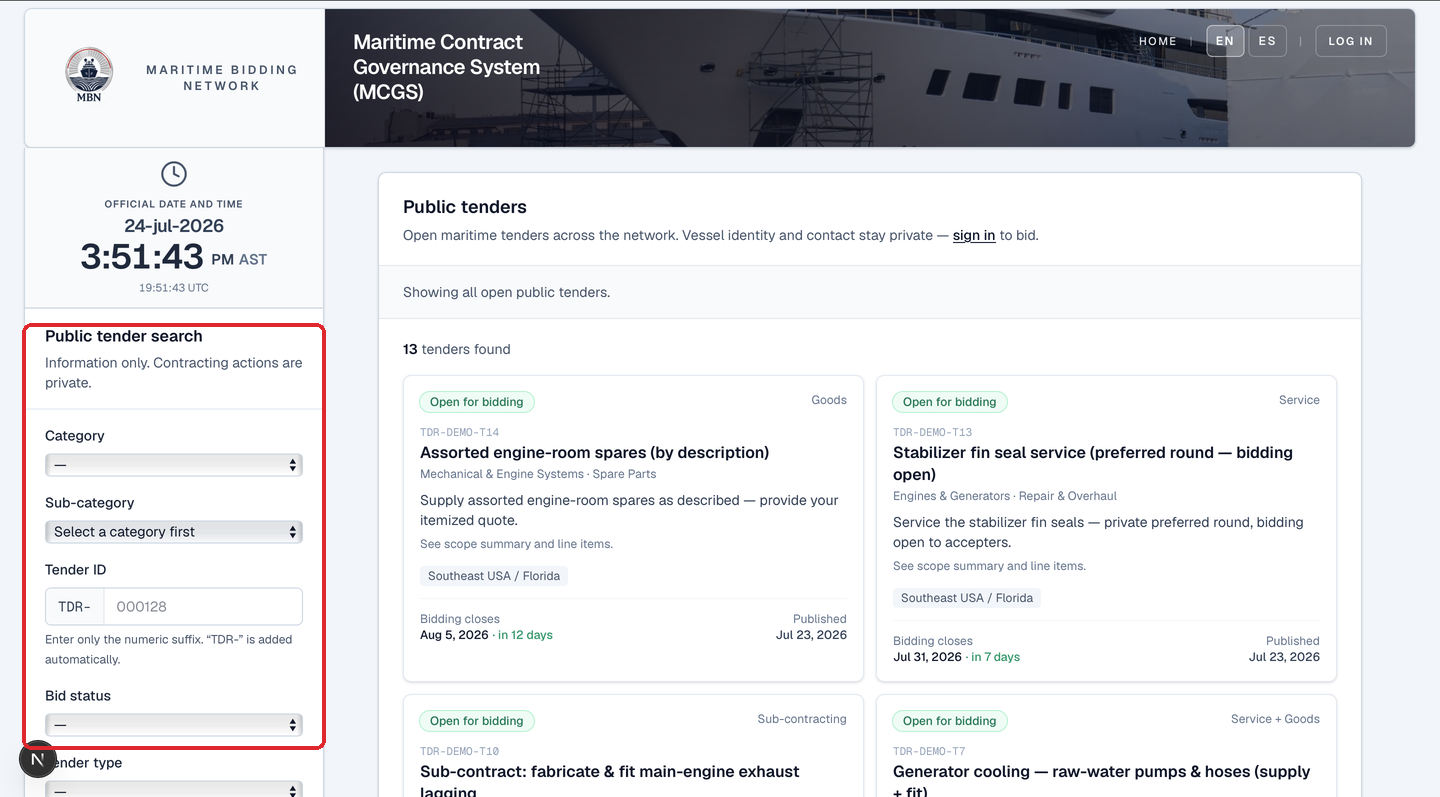
Anyone can browse open tenders before signing in, through the Public Tender Search: filter by category, sub-category, region, tender ID, bid status, or type, and scan the latest open tenders. The vessel's identity, budget, and contacts stay private until you sign in to bid. It's a quick way to read the market.
Browse from your dashboard
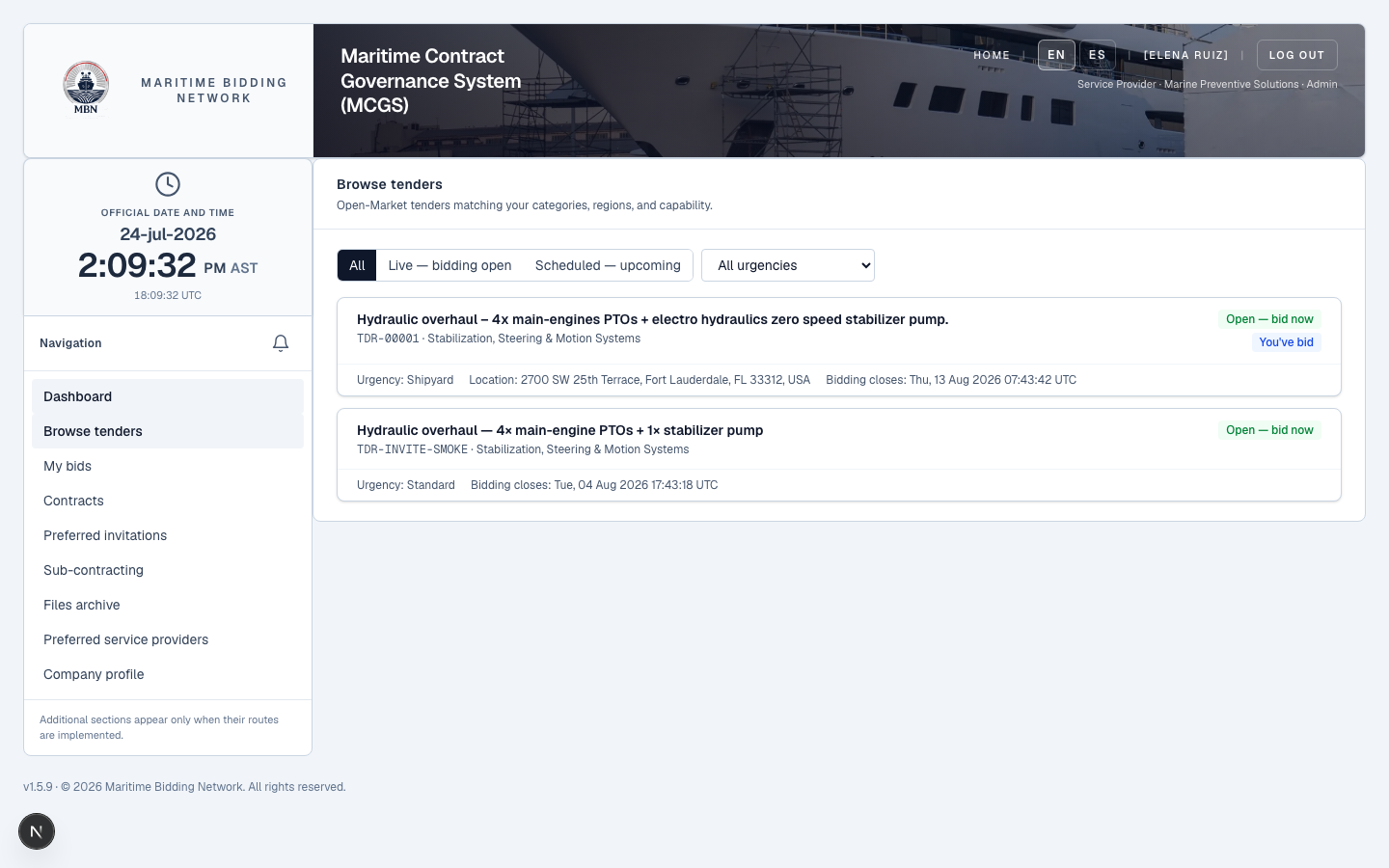
Signed in, open 'Browse tenders', it shows the open tenders matched to your categories, regions, and capability: live (open for bidding) and scheduled (upcoming, read-only). It flags any you've already bid on.
View now, bid when it's open
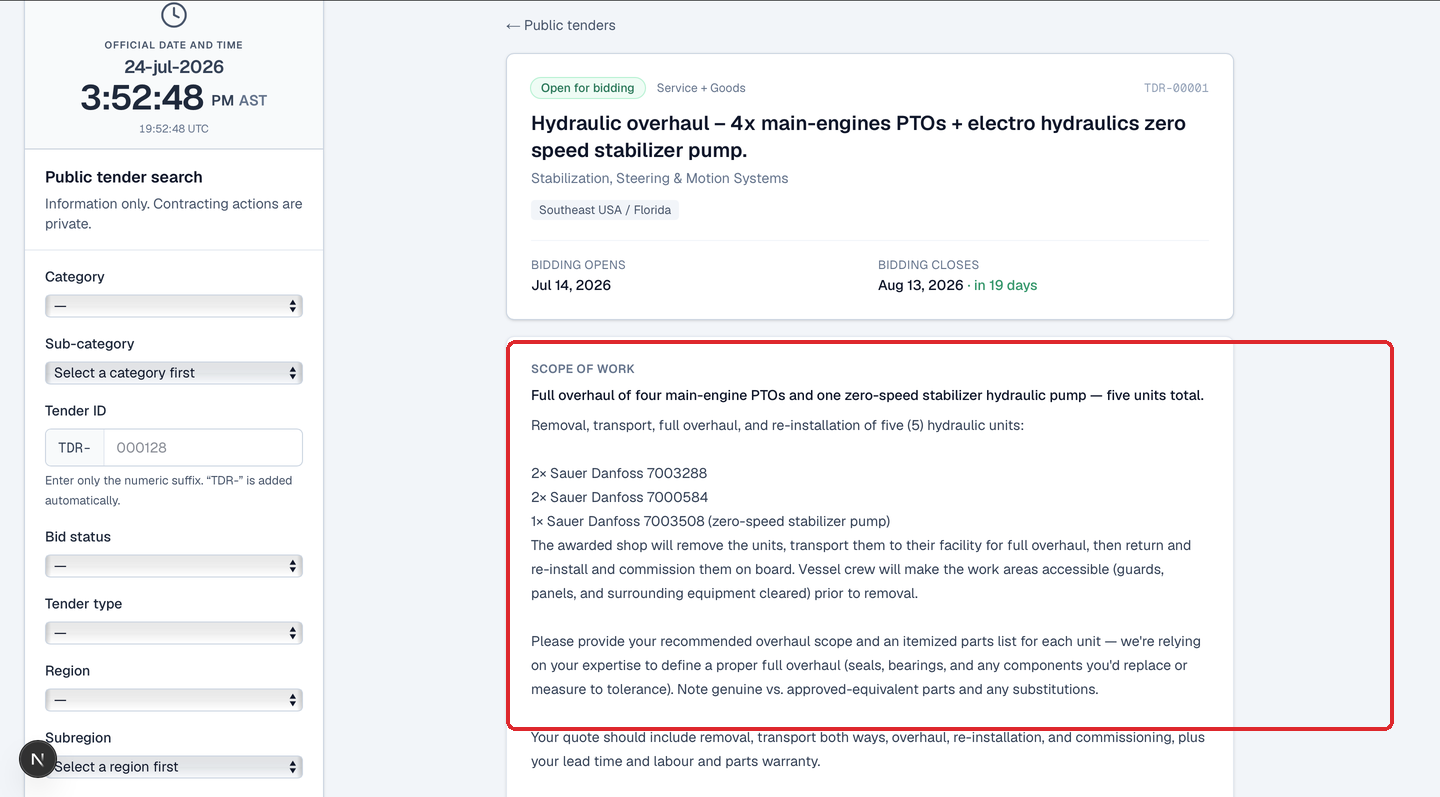
Open any public tender to read its full scope, the scope of work, the units and parts, the dates, all before you ever sign in. To submit a proposal, sign in; the tender must be open for bidding (a scheduled tender is visible but not yet biddable).
What happens next
Found a tender you want? Next: submitting a quote, and the fast way to do it, letting MBN read your existing quote PDF.
Related lessons
See the work that fits you
Log in and open Browse tenders. New to MBN? Request free access first.