Being invited as a guest.
A vessel can invite your company to quote a single tender even if you're not on MBN: free, via an emailed link. Here's how it works and what the link can and can't do.
Understand and use a guest invitation to quote one tender.
An emailed guest invitation from a vessel.
About 5 minutes.
Reflects app v1.5.9
What a guest invite is
A vessel can invite your company to quote ONE of its tenders even if you've never registered on MBN. You get an emailed link, no account to create, no cost, and your quote lands in the vessel's comparison alongside registered bidders.
The guest invitation email, 'You're invited to quote'.
Open your link
Click the link to reach your private workspace for that tender. Keep the link, it's your only way back in, with no password to recover. If your email system mangles it, ask the vessel to send it again by text or WhatsApp.
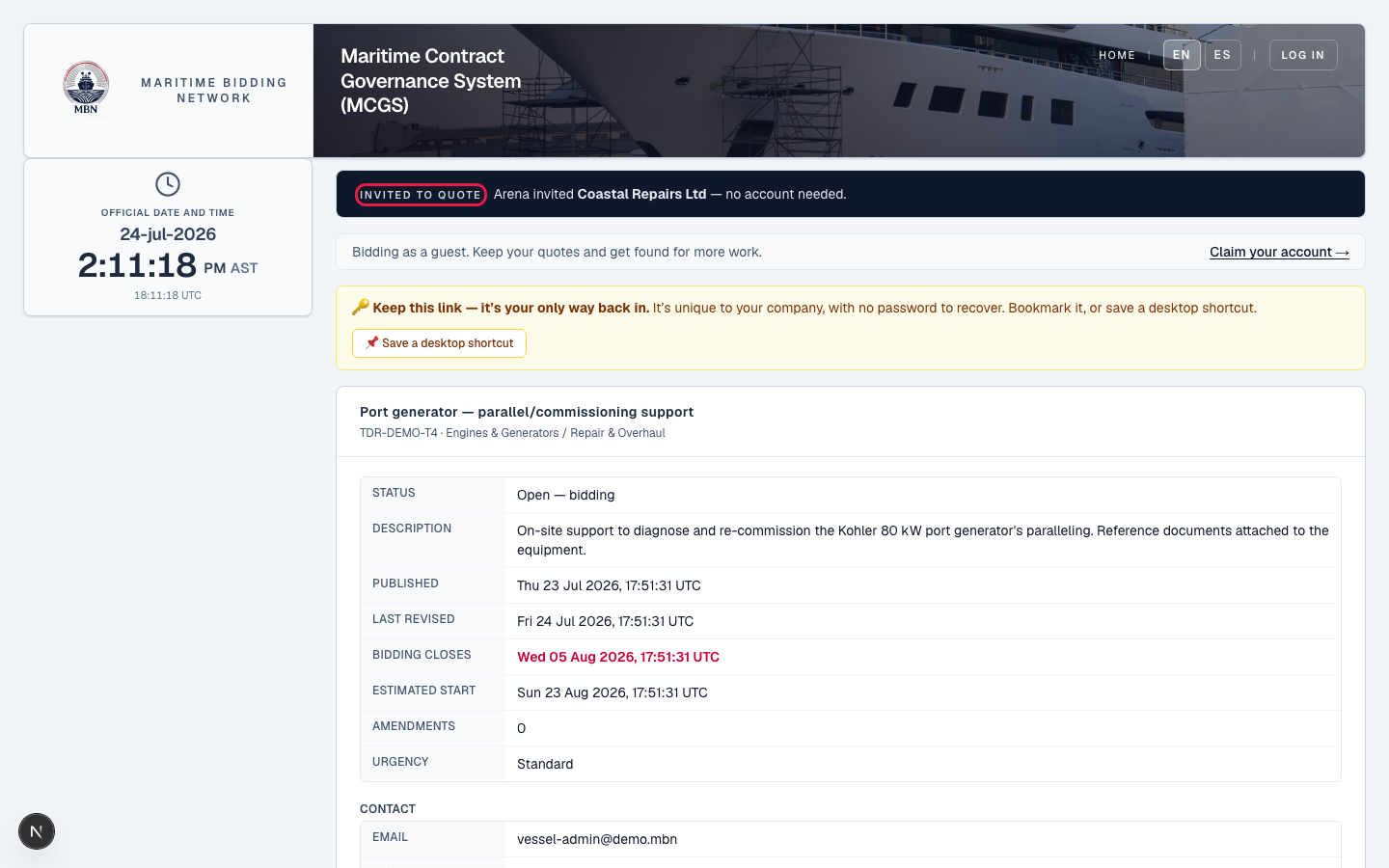
Quote through the link
View the scope, submit and update your quote, ask clarifications, and request a site visit: all through the link, no login. The vessel sees your quote immediately.
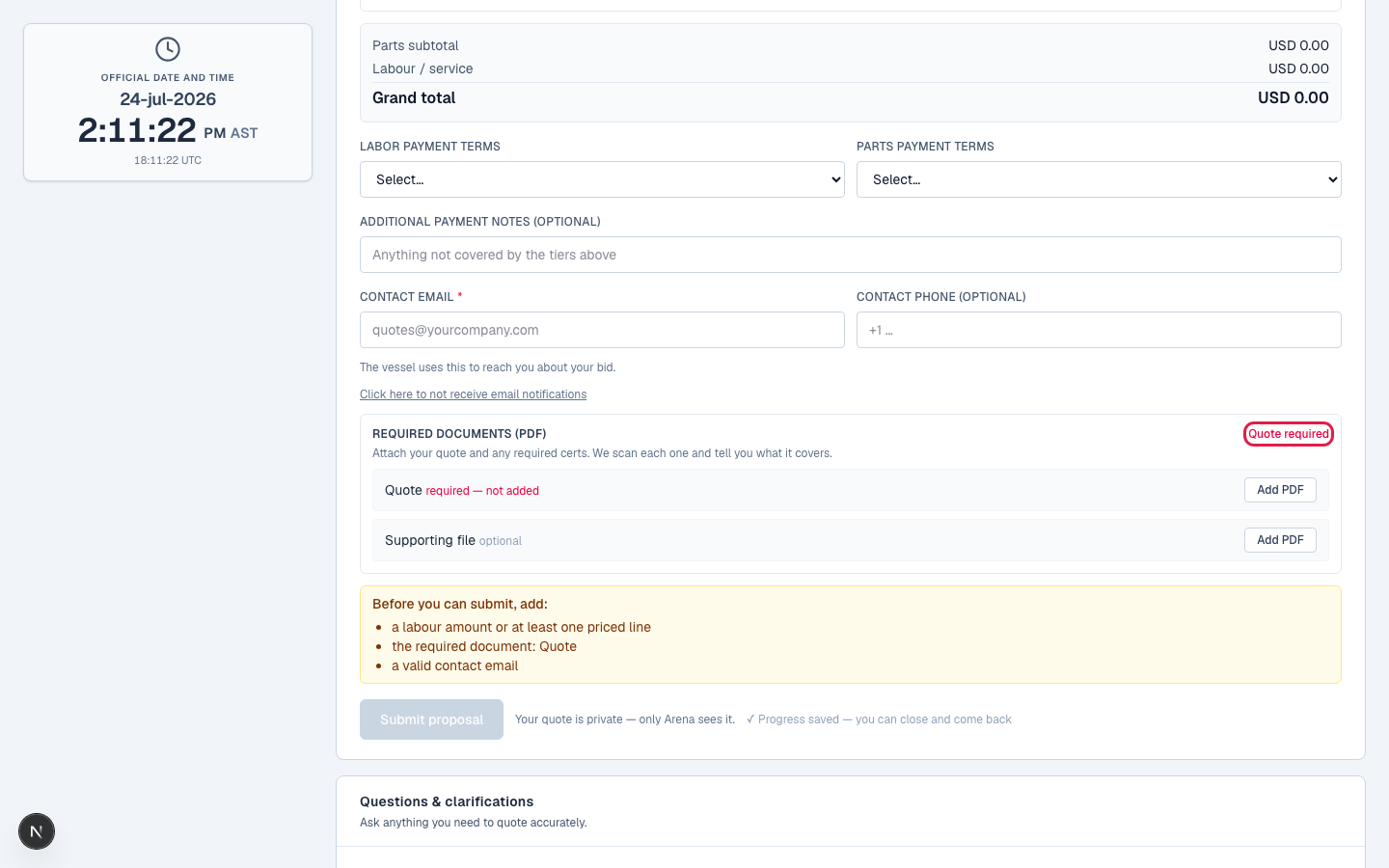
Know the limits
The link is scoped to that one tender: you can't see the vessel's budget, other bidders' quotes, or any other tender, and there's no dashboard. It's live for quoting while bidding is open, and if the vessel awards you the work, the same link reopens so you can sign your contract. If the vessel removes you before award, your quote is withdrawn.
The guest scope boundaries: one tender, no budget, no other bids.
If you win, sign your contract
If the vessel awards you the work, MBN creates a Maritime Service Agreement, the same governed contract a registered bidder signs. Open it through your link, review it, and sign; you can download the signed PDF for your records. Still no account required.
A guest signing the Maritime Service Agreement through the invitation link.
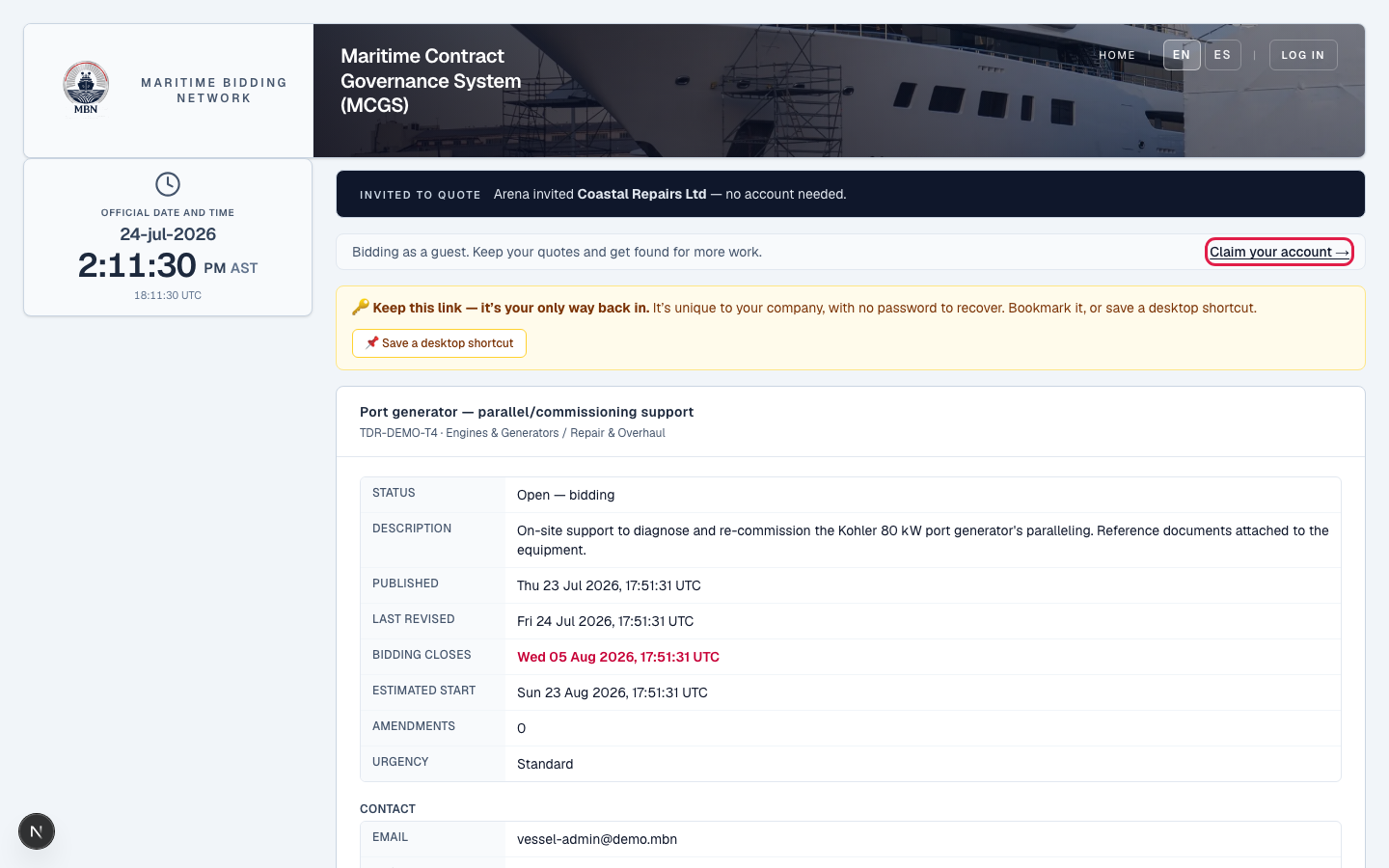
Claim an account (optional)
Like what you see? You can claim a free account to keep your quotes and get found for more work, turning a one-off invite into an ongoing place on MBN.
What happens next
That's the full Service Providers track for v1: from finding work to winning and signing it, plus sub-contracting. Post-award execution (workrooms) arrives with v2 in January 2027.
Related lessons
Invited? Quote in minutes
Open the link in your invitation email to quote the tender, no account needed. To do more on MBN, request free access.